Q
RYMPOSS quotation desk
Six live products are available in the offline-ready quotation desk, including Ryevo, Ryova, Rychienta, Ryjestik, Rypirasi, and Ryqeen.
An iOS workspace for field agents: RYMPOSS quotation flows, quotation PDF access, document modules, product references, and everyday client-facing preparation.
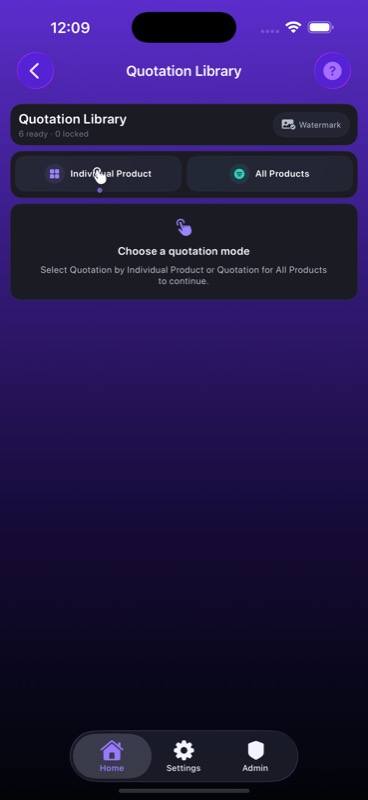 Quotation library
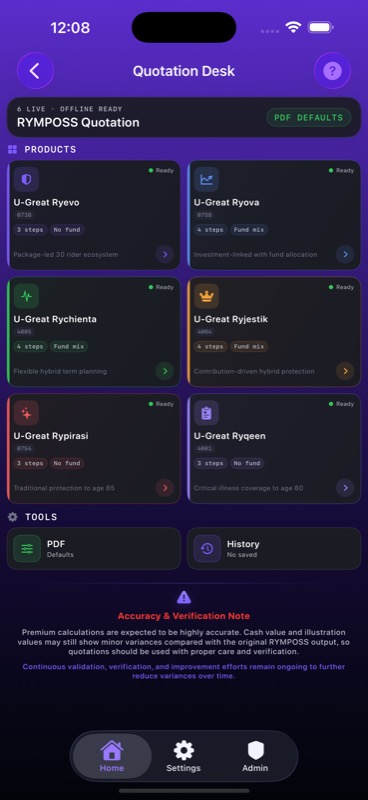 Quotation desk
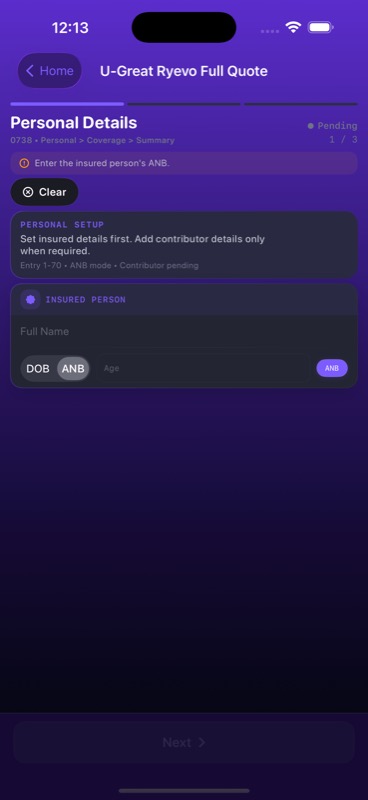 MPOS setup
RygonN keeps the workspace focused on what agents use in front of clients: quotations, PDF references, documents, and fast field preparation.
Six live products are available in the offline-ready quotation desk, including Ryevo, Ryova, Rychienta, Ryjestik, Rypirasi, and Ryqeen.
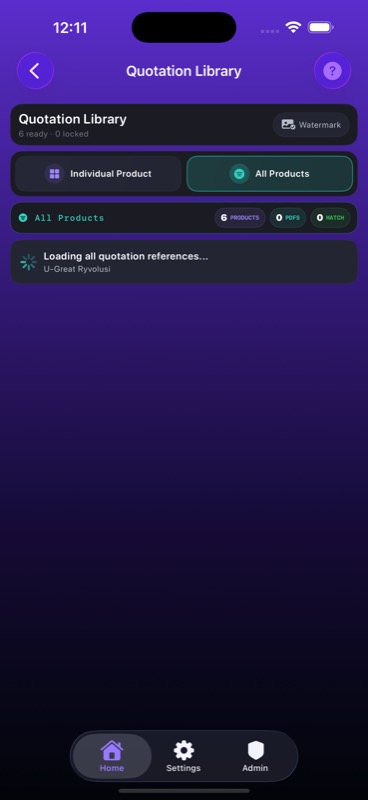
Agents can choose individual product or all-product quotation modes, with watermark and PDF defaults available from the app.
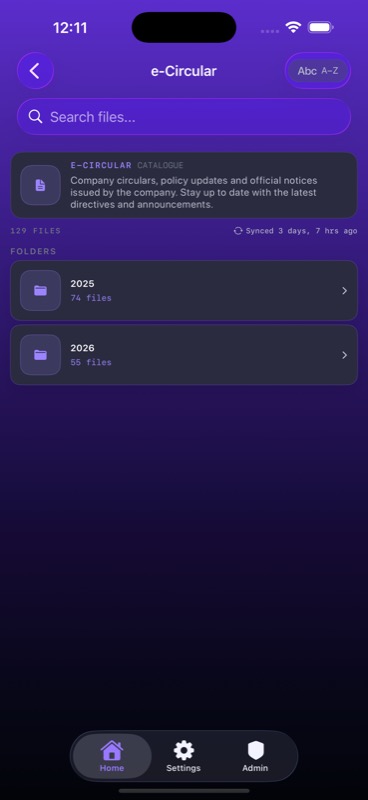
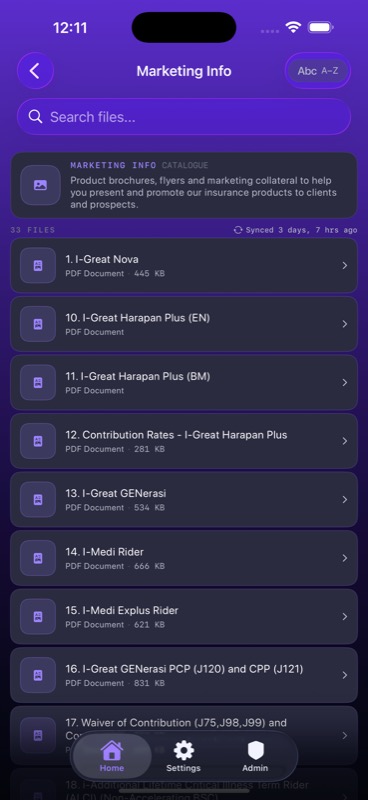
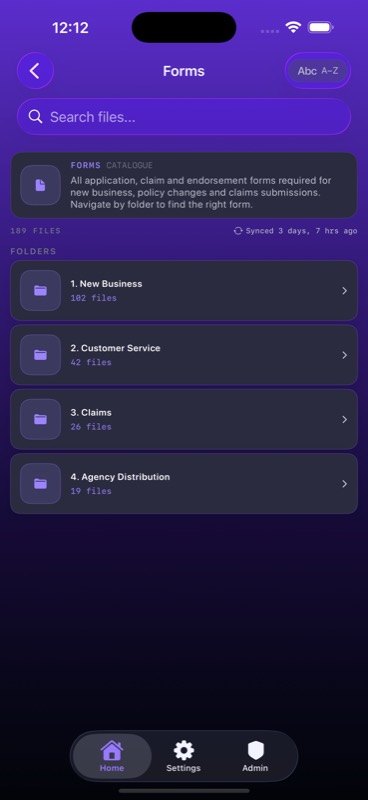
e-Circular, Marketing Info, Forms, Sample Certificates, Panel Hospital, and User Guides are arranged as quick-access modules.
A modern sign-in experience keeps the workspace personal to each user and ready for daily work.
Clear product cards help agents choose the right quotation path before moving into details and PDF output.
Important product and workspace guidance can be surfaced inside the app experience when agents need it.
RygonN brings the quotation workspace into a native iPhone experience with a focused product grid, clear quotation modes, and a visual system designed for repeated daily use.
Six ready quotation products are presented as clear cards with product IDs, flow hints, and readiness status.
Product cards surface product IDs, positioning notes, and flow steps so agents start the correct quotation path quickly.
Mode selection keeps individual and all-product quotation workflows explicit before the agent proceeds.
Product grid and cards
Quotation library flow
MPOS setup
RygonN keeps the quotation process structured: start with personal setup, move into coverage, then prepare the output without losing the product context.
Start with details
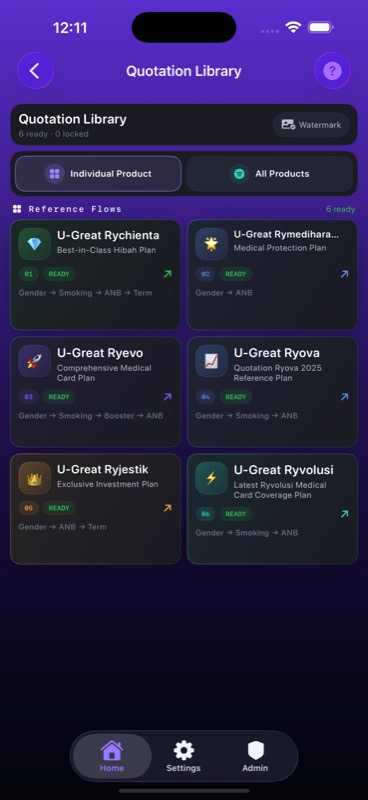 Individual product
 All products
The workspace keeps everyday reference material close to the quotation flow, from circulars and marketing collateral to forms and panel hospital references.
 e-Circular
 Marketing Info
 Forms
Forms
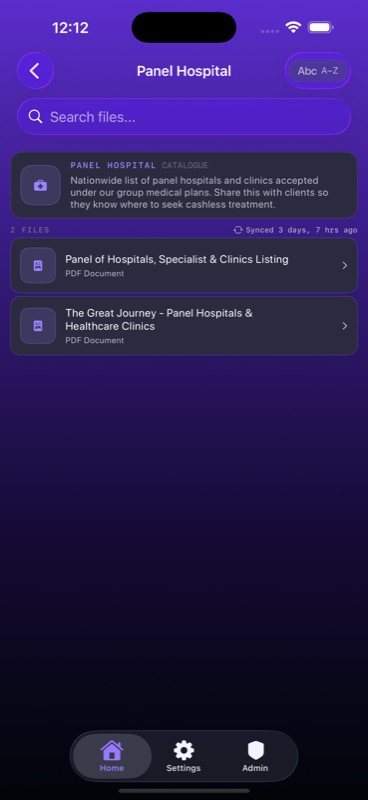 Panel Hospital
RygonN keeps the visual hierarchy calm: products first, mode selection second, then the details needed to move a case forward.
RygonN keeps the public story simple: open the app, choose the quotation path, prepare the case, and use the generated output for client discussion.
Start from the RYMPOSS quotation desk and pick the product that matches the case.
Use individual product quotation or compare across all supported products from the library flow.
Enter the required client and coverage inputs through guided native screens.
Use the quotation result and PDF tools to support a cleaner client discussion.
The interface is shaped for repeated use: compact product cards, readable screens, and a direct path into quotation output.
Library flow
Mode selection
Use the support page to ask about RygonN access, quotation workflows, document modules, or account issues.